
orda's team
Feb 20, 2026
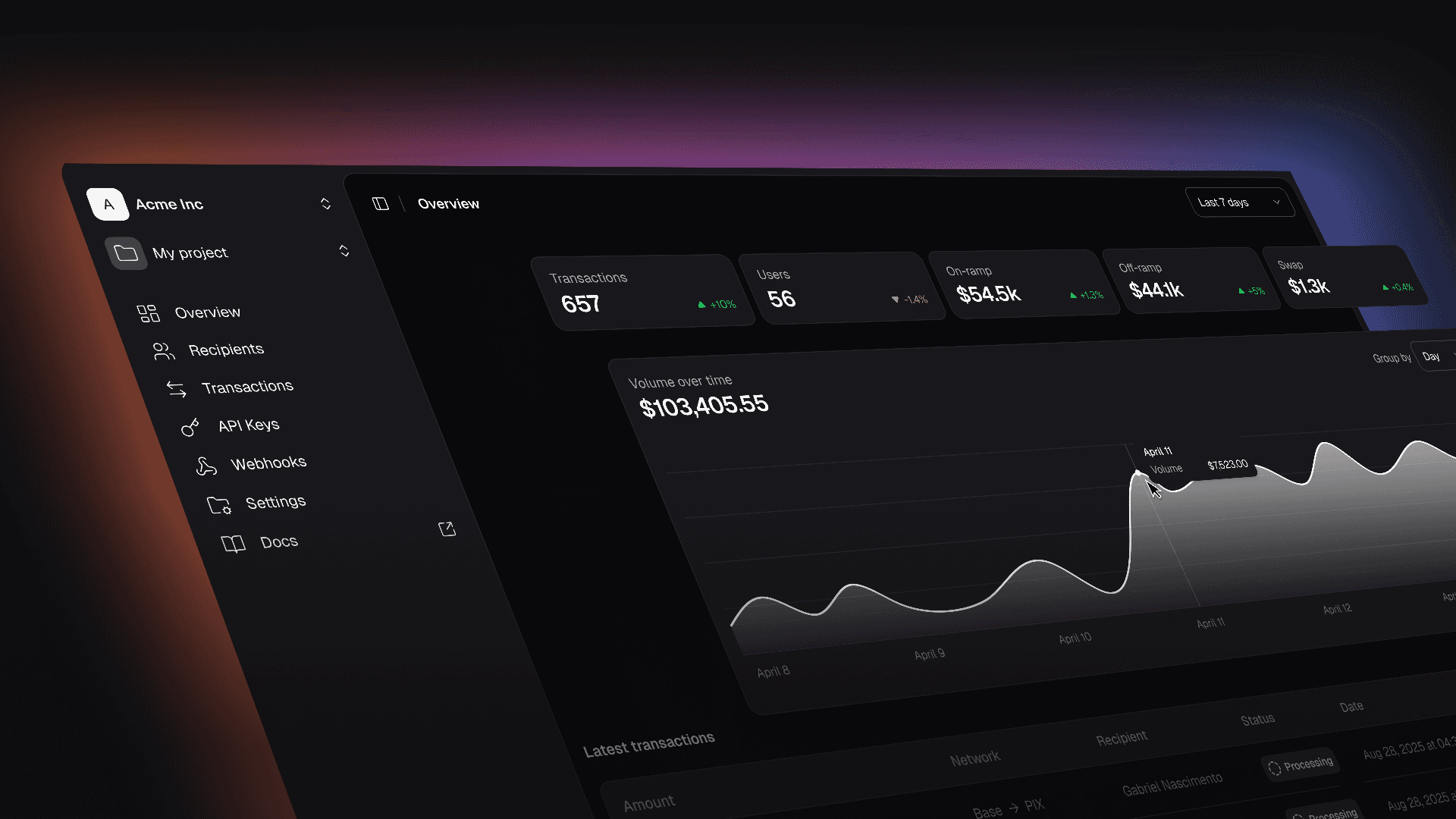
We shipped the orda dashboard - a single interface to manage your integration and monitor every transaction flowing through it.
Getting Started
Create a Project
Everything in orda starts with a project. When you first log in, you'll create one - just give it a name and you're set.
Each project gets its own API credentials, transaction history, and settings. If you're running multiple integrations, you can create separate projects to keep them organised.
Get Your API Keys
As soon as you create a project, you'll get your client ID and client secret. Copy these somewhere safe - you'll need them to authenticate with the orda API.
You can view your client ID anytime in the API Keys section. If your secret is ever compromised, reset it instantly from the dashboard. No support ticket required.
Invite Your Team
Working with others? Invite team members to your project so everyone can access the dashboard. Useful when engineers, finance, and ops all need visibility into what's happening.
What You Can Do
Volume Overview
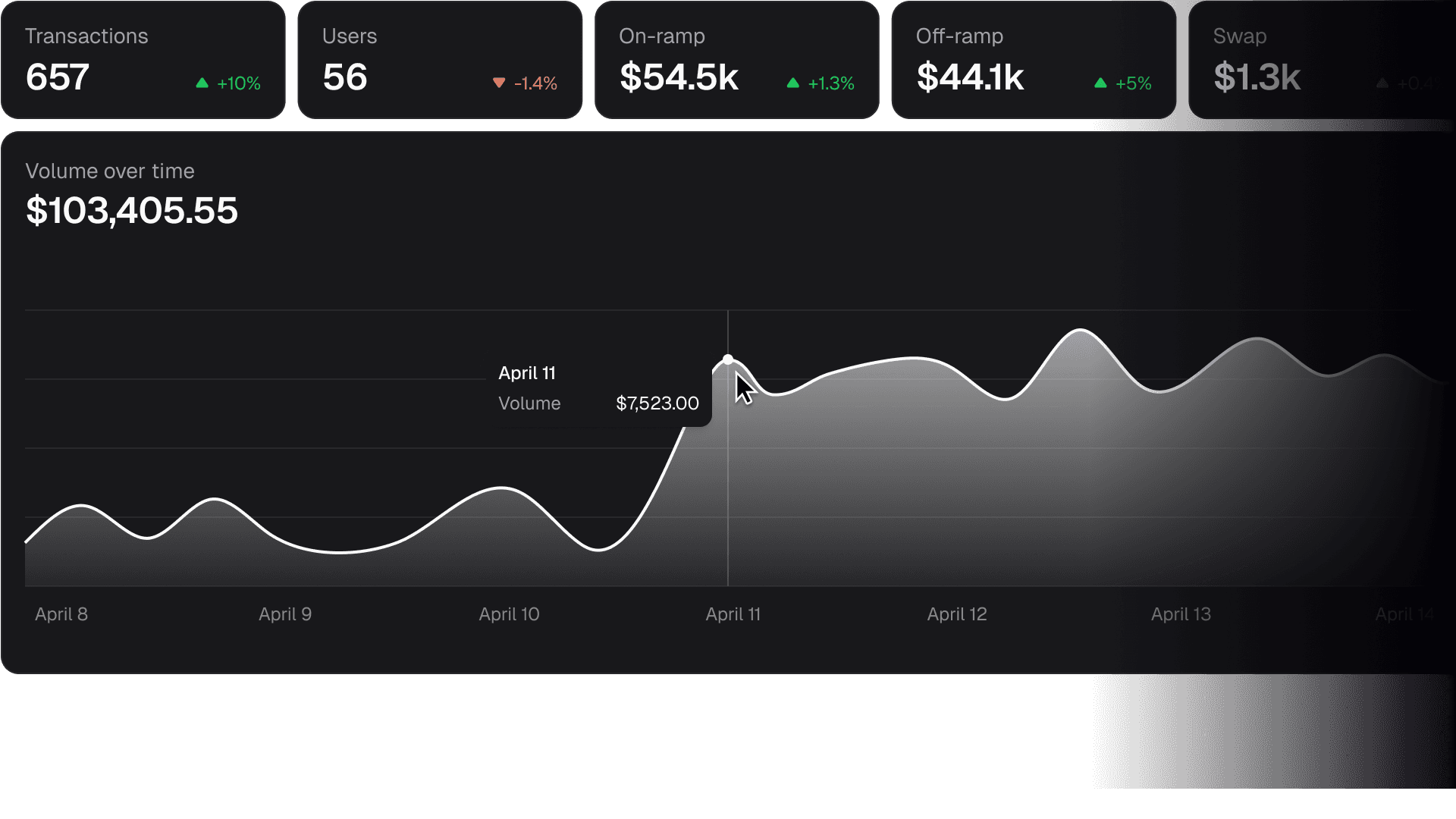
The overview page gives you the high-level picture. Total transaction count, volume over time, breakdown by transaction type (on-ramp, off-ramp, swap). Adjust the time range to spot trends.
Transaction Monitoring
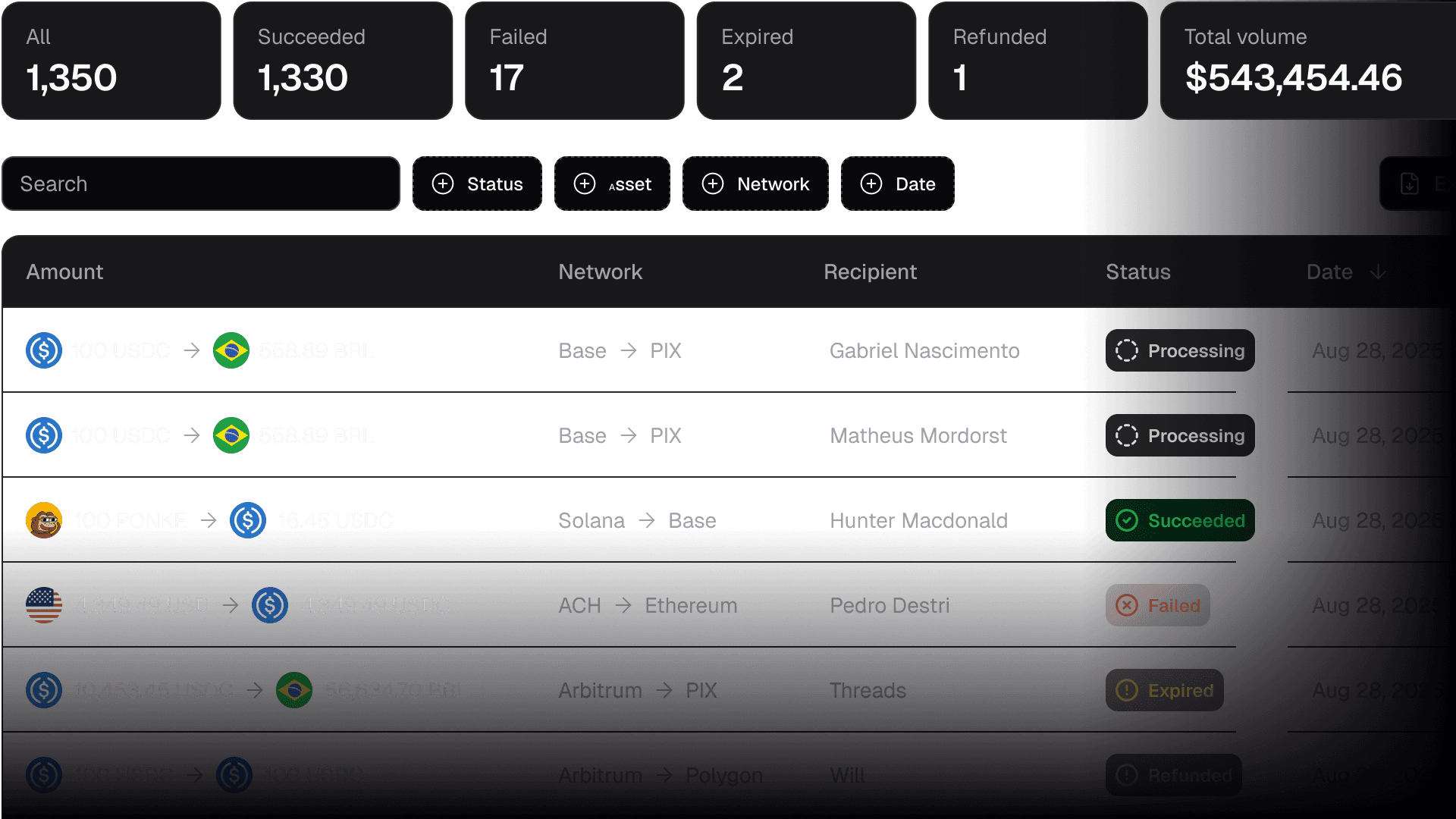
Every transaction that runs through your API keys shows up here. You'll see:
Amount and tokens involved
Source and destination chains
Recipient address
Status (processing, succeeded, failed, expired, refunded)
Timestamp
Filter by status, asset, network, or date range. Looking for a specific transaction? Search for it. Need records for accounting? Export to CSV.
Saved Recipients
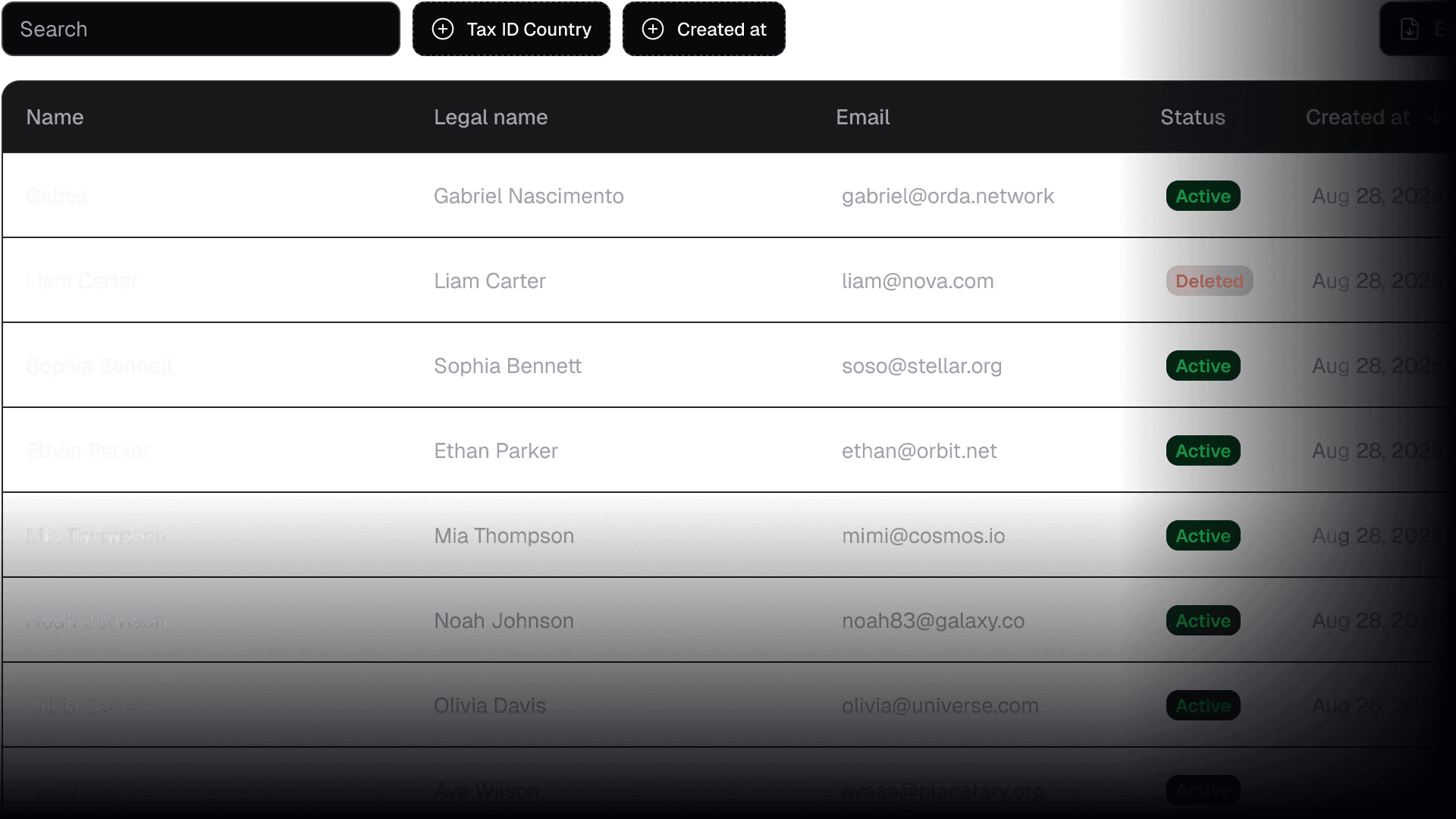
If you send to the same addresses repeatedly, save them here. Cleaner than hardcoding addresses and easier to update when things change. Learn more about recipients here.
Why We Built It
The API already lets you check transaction status programmatically. But sometimes you just want to see what's happening without writing code.
The dashboard gives you that. A visual overview of your integration - volume trends, transaction history, team access, api key management - all in one place.
Who It's For
The dashboard is for anyone running traffic through the orda API:
Developers integrating orda into their apps can monitor what their users are doing
Businesses using orda for their own operations can track every transaction in real time
Finance teams can export transaction history for reconciliation and reporting
Teams who need shared visibility without passing around API keys
Start Now
Log in at dashboard
Create a project
Copy your API credentials
Start integrating
New to orda? Get started at documentation or test our swaps at widget.